
Paying an F24 form can be done through your bank's Home Banking service or via the Revenue Agency website using the "Pagamenti F24" service.
This guide will walk you through the steps to pay an F24 form using the Revenue Agency website.
Please note that this option is required if you have a credit in the F24 to be used as compensation or if the total amount to be paid is zero.
To begin, visit the Agenzia delle Entrate website and log in using your SPID, CIE, or CNS credentials.
Once logged in, search for the "Pagamenti F24" service.
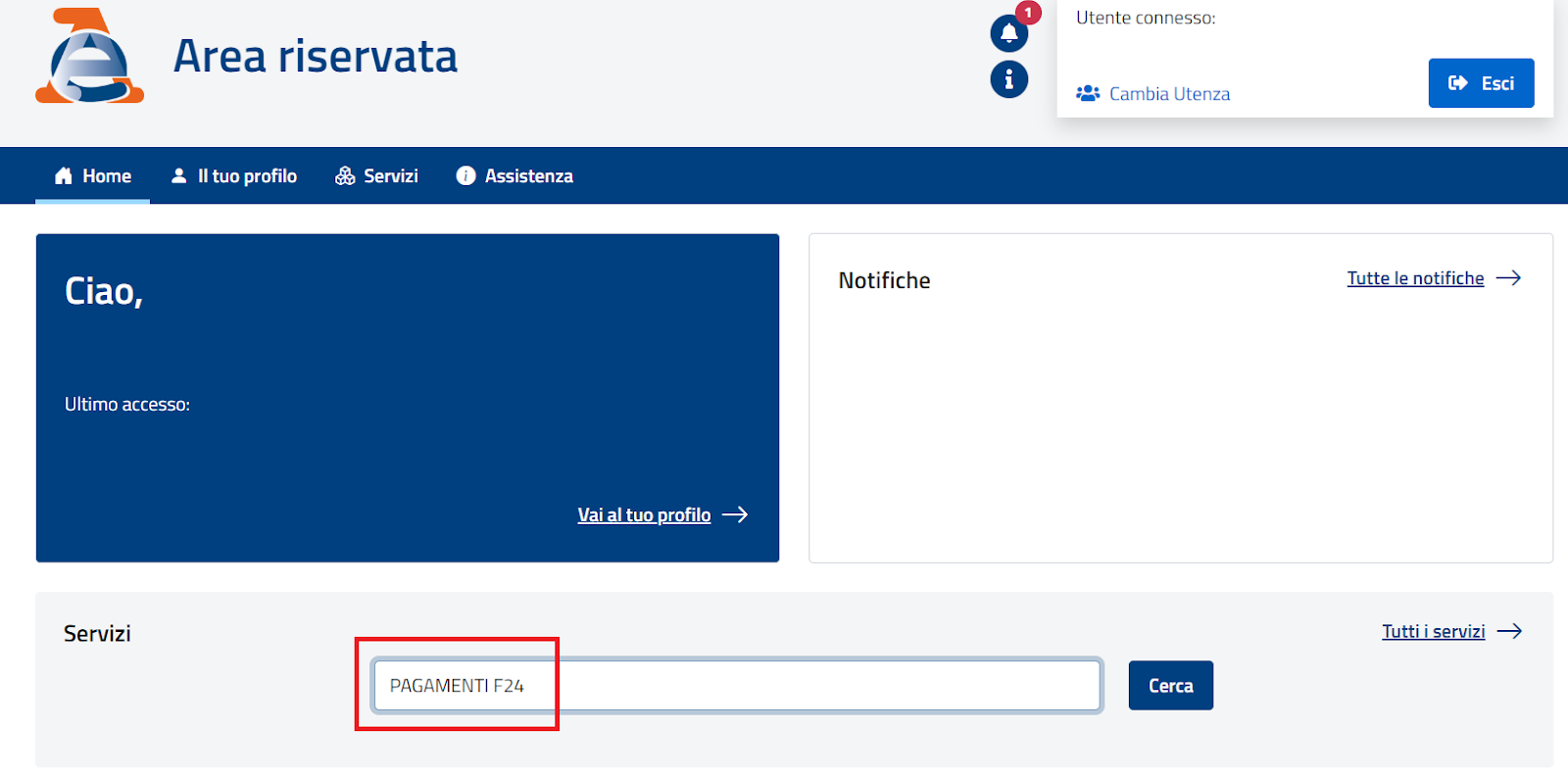
When you find the service, click on "Cerca" to access it.
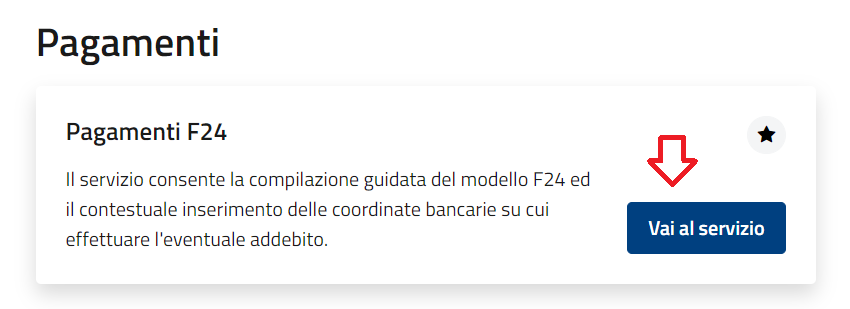
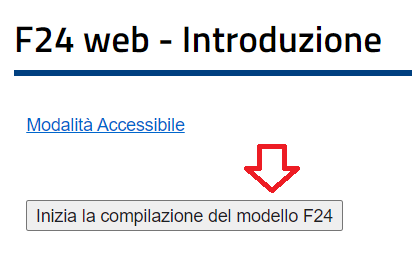
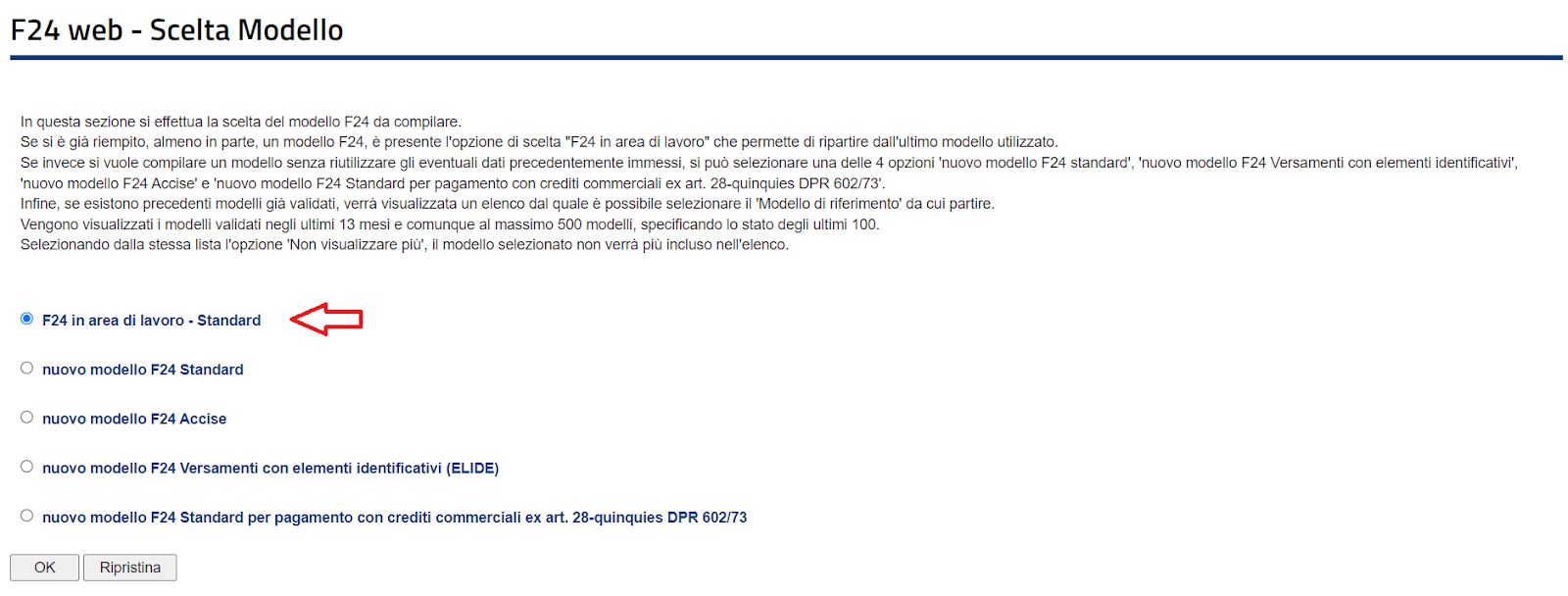
After entering the service, you will start filling out the F24 form by selecting the STANDARD model.
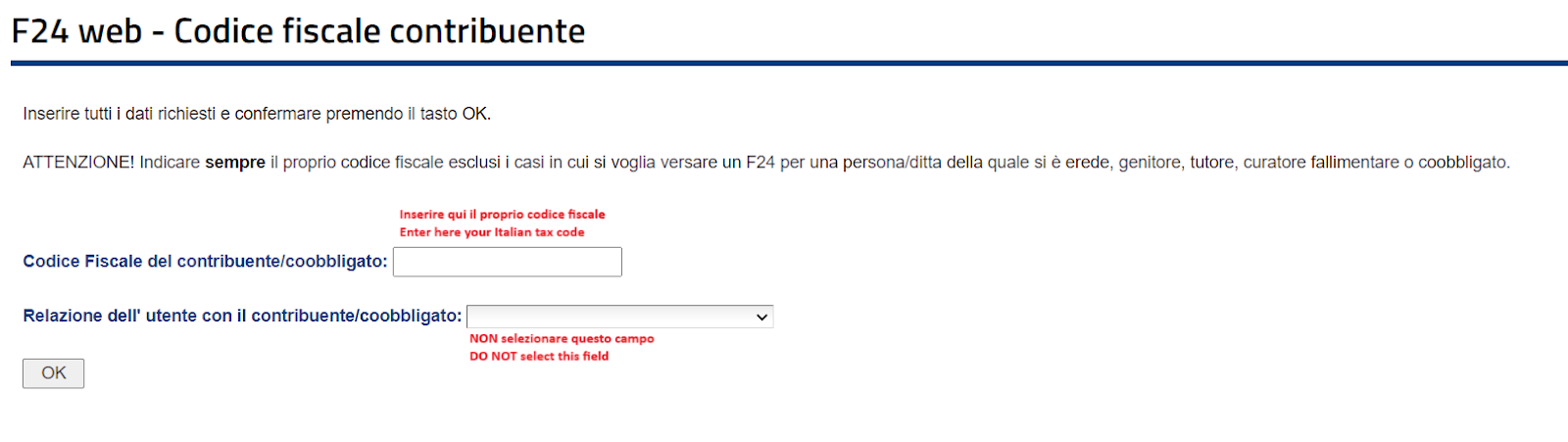
Next, enter your Italian tax code (codice fiscale). You do not need to make any selections in the next field.
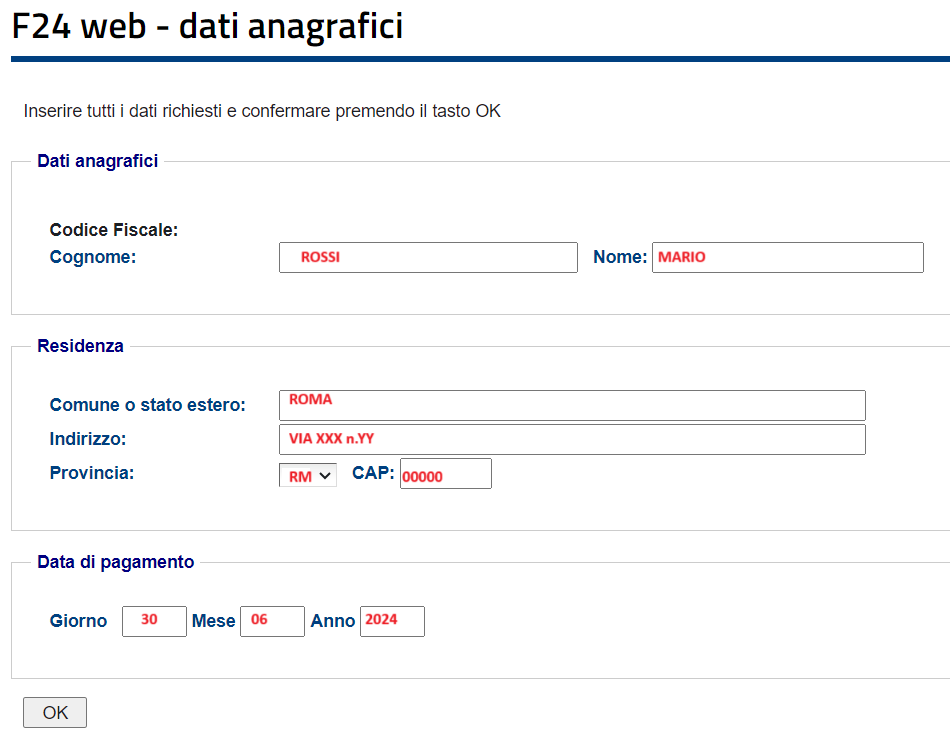
Following this, provide your personal data and indicate the date on which the payment will be made.
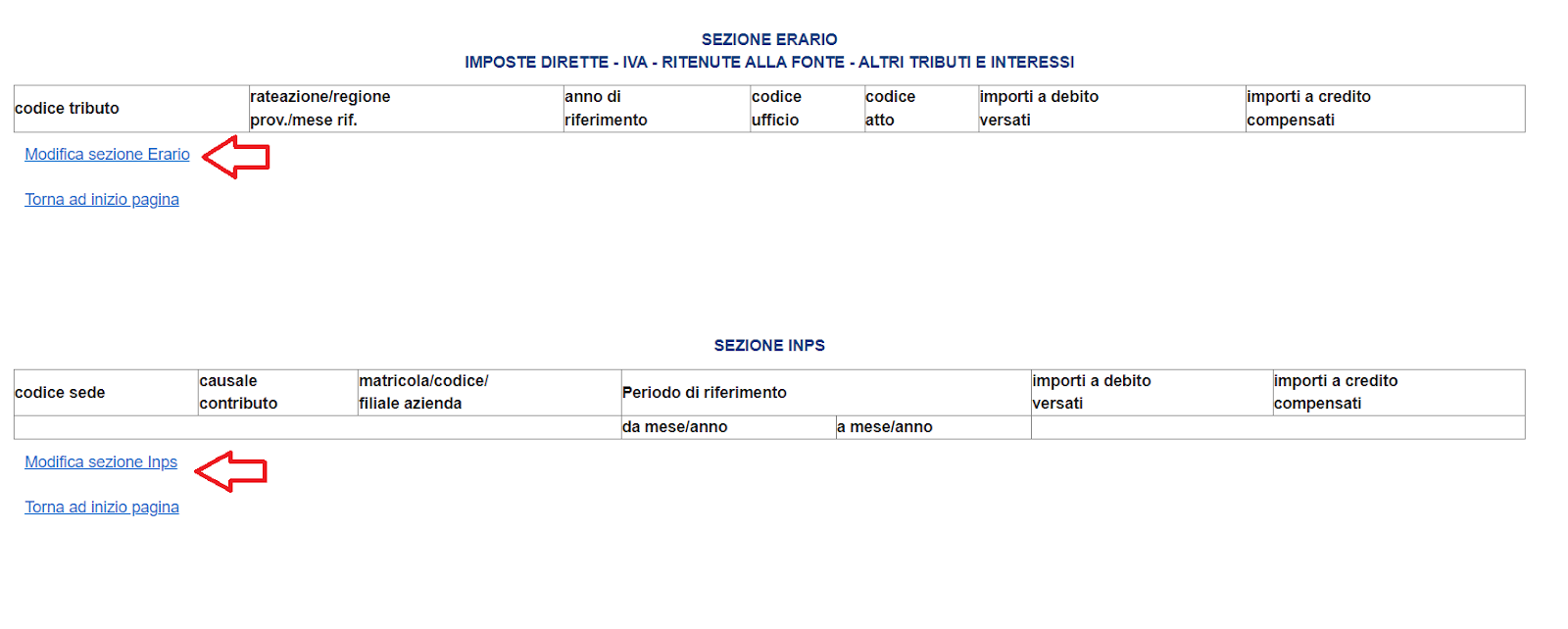
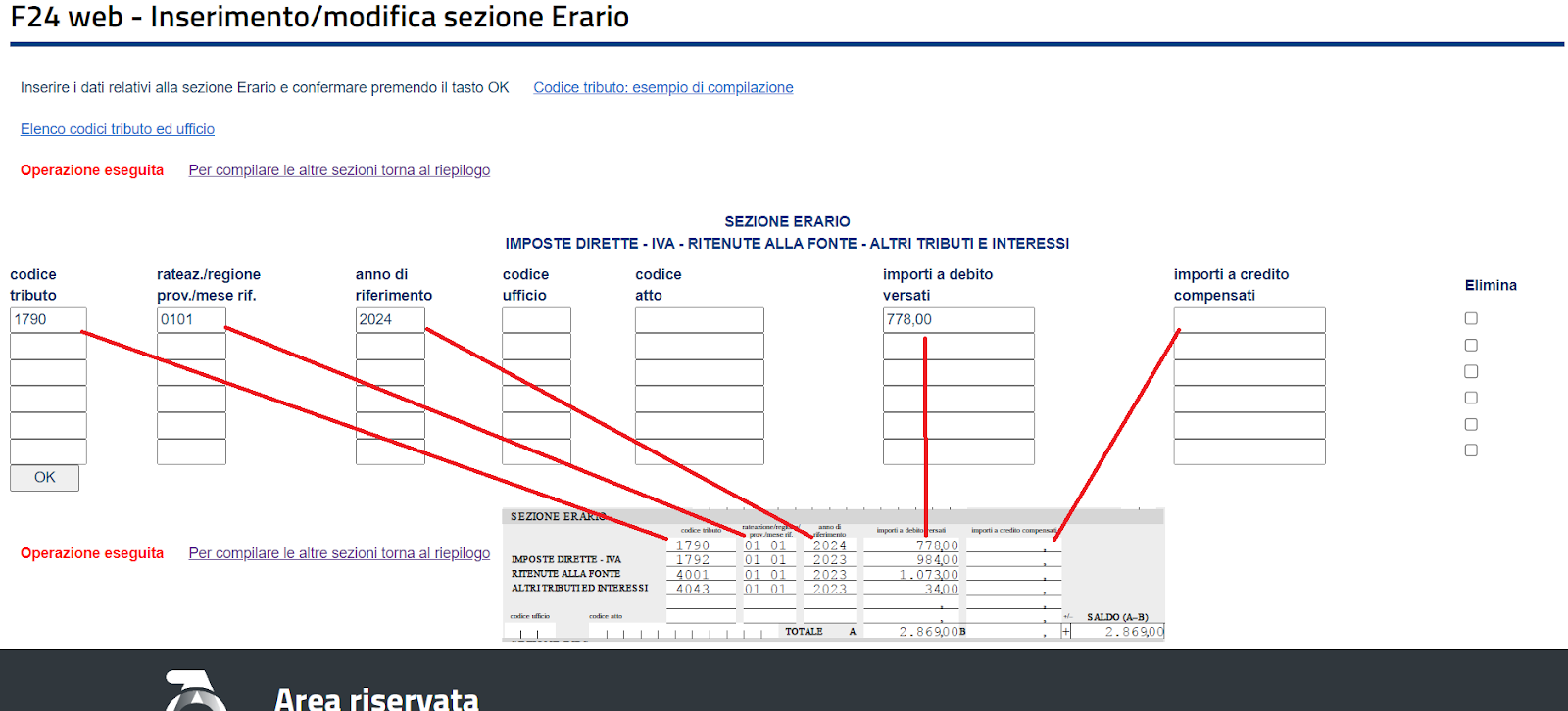
Now, you can proceed to fill out the F24 form by selecting the relevant section (ERARIO, INPS, REGIONI, TRIBUTI LOCALI) as indicated in the F24 sample. For example, when filling out a line in the ERARIO section, if there are multiple lines for the same section, you can enter them in the additional available lines.
Now, you can proceed to fill out the F24 form by selecting the relevant section (ERARIO, INPS, REGIONI, TRIBUTI LOCALI) as indicated in the F24 sample.
For example, when filling out a line in the ERARIO section, if there are multiple lines for the same section, you can enter them in the additional available lines.
Once you have filled in all the fields, validate the F24 at the bottom of the page where all the sections are shown. Before validating, it is important to review the summary to ensure all information is correct.
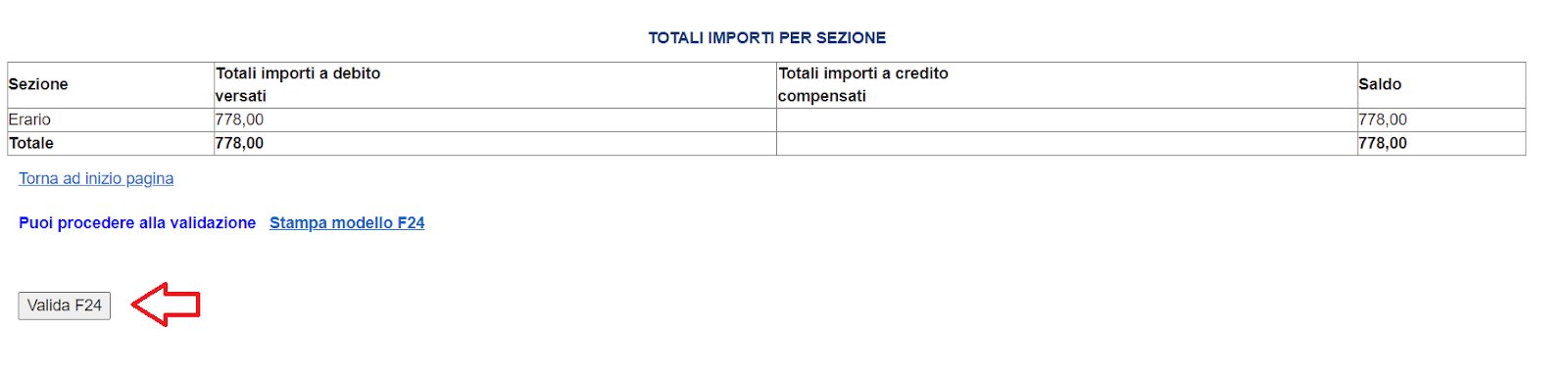
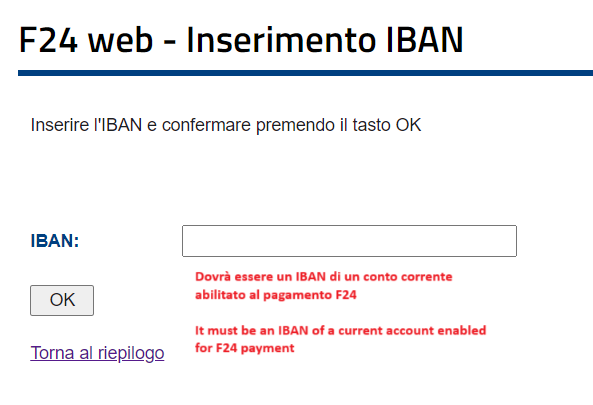
After validation, provide the IBAN of the bank account from which the payment will be debited.
It is crucial to ensure the bank account is enabled for F24 payments.
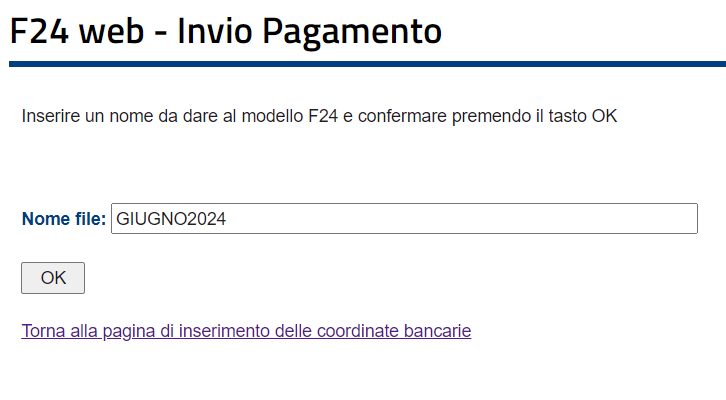
Then, enter a name for the file to be transmitted, making sure not to include spaces in the file name.
The last step is to send the file containing the F24 to be paid.
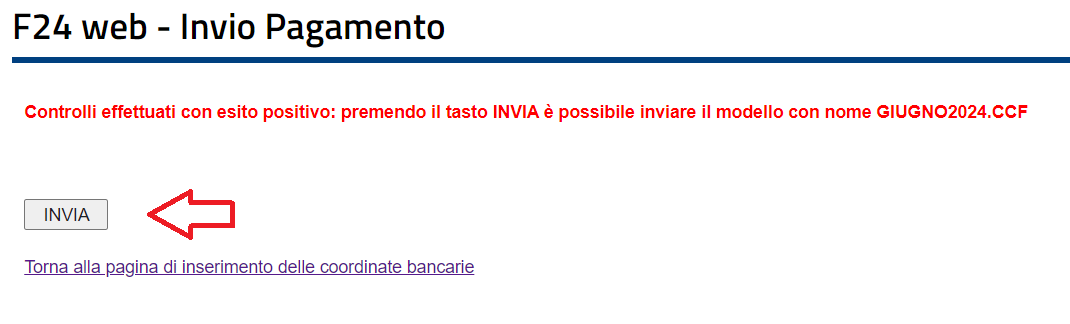
After completing this step, a receipt will be available for download in the following days. You can access this receipt through the “Ricerca Ricevute” service on the Revenue Agency’s homepage. Additionally, the payment receipt will be viewable and downloadable from your “Cassetto Fiscale” in the “Versamenti” section.