The Agenzia delle Entrate website offers a free Electronic Invoice Storage service.
To enable this service for your business, you’ll need to log in to the reserved area of the Revenue Agency website at https://ivaservizi.agenziaentrate.gov.it/portale/ using one of the available authentication methods.
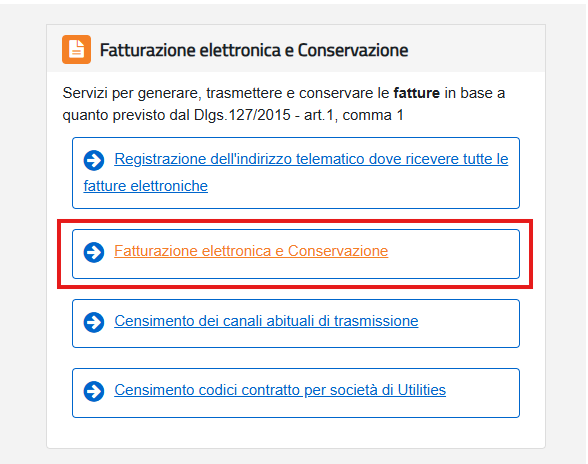
Once you're logged in, navigate to “Fatturazione elettronica e Conservazione” ("Electronic Invoicing and Storage") and click on Fatturazione elettronica e Conservazione.
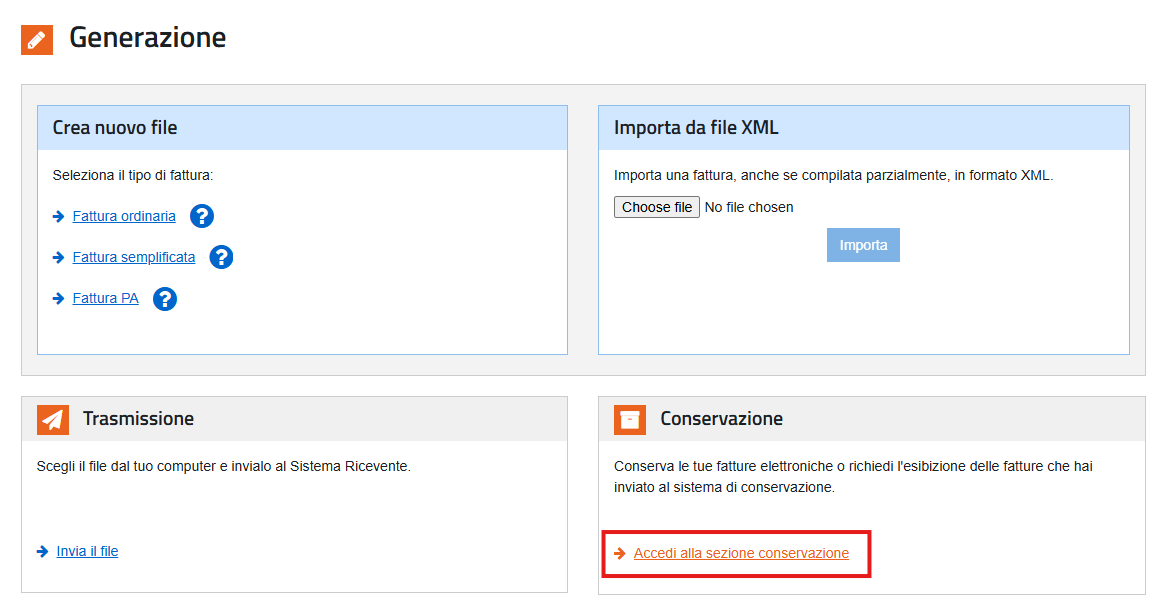
Next, click on the link “Accedi alla sezione conservazione” ("Access the Storage area") to access the Storage Service Manual (containing a technical description of the service), and the Service Agreement.
By signing the Agreement, you’ll be able to store all electronic invoices that have already gone through the Exchange System (SdI) before you subscribed to the service. You’ll need to select the date from which invoices transmitted via SdI should be stored automatically. Keep in mind that this date can’t be earlier than January 1st of the second year before the subscription year.
If you don’t choose a retroactive date, the system will start storing all invoices sent to SdI from the day after your subscription.
That's it! Your invoices will now be stored automatically by Agenzia delle Entrate.
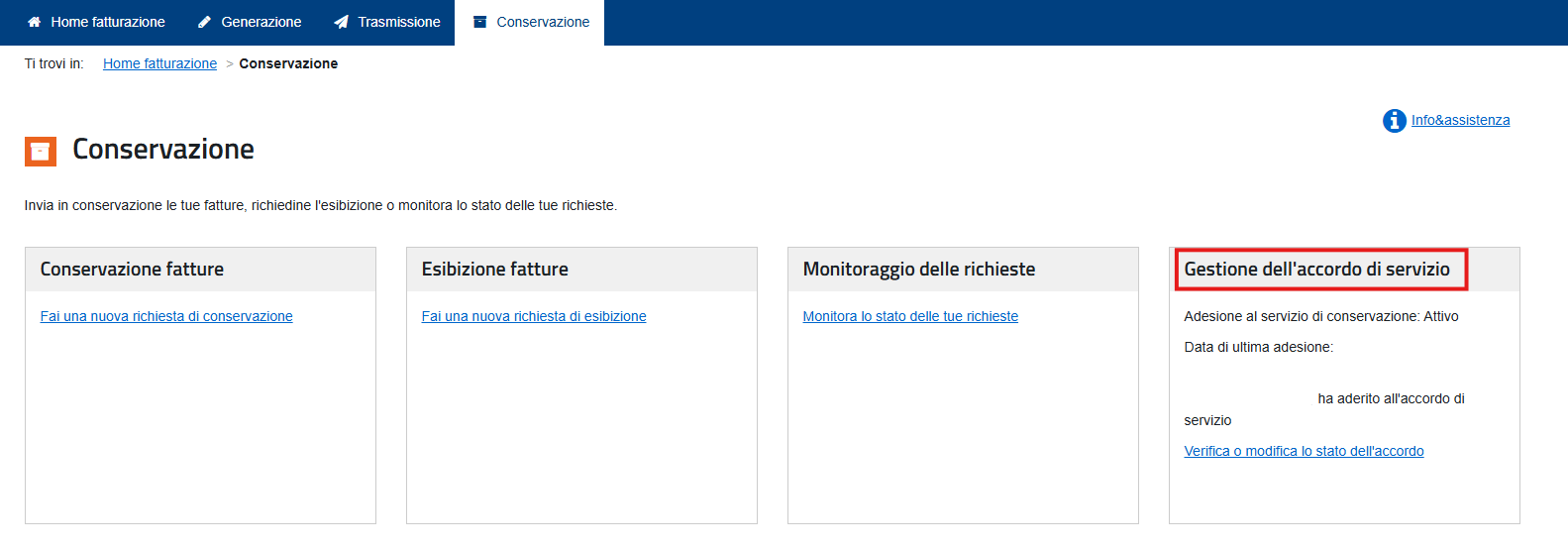
💡Pro tip: You can always review the status of your service or modify it from the "Conservazione" area, under "Gestione dell'accordo di servizio" ("Manage your Service Agreement").