
For those who have started a business that requires social security registration with the INPS Artisans and Traders Management, the most direct way to contact their INPS office is via the "Comunicazioni bidirezionali" service of their “Cassetto Previdenziale Artigiani e Commercianti”.
To access this service, just follow these steps:
Access the INPS website in the reserved area using your SPID, CIE, or CNS.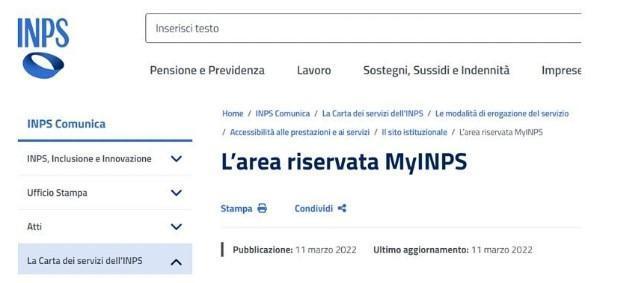
Use the search bar to search for “Cassetto Previdenziale Artigiani e Commercianti”.
Once you click on the requested service, the page below will open, where you will have to access the thematic area
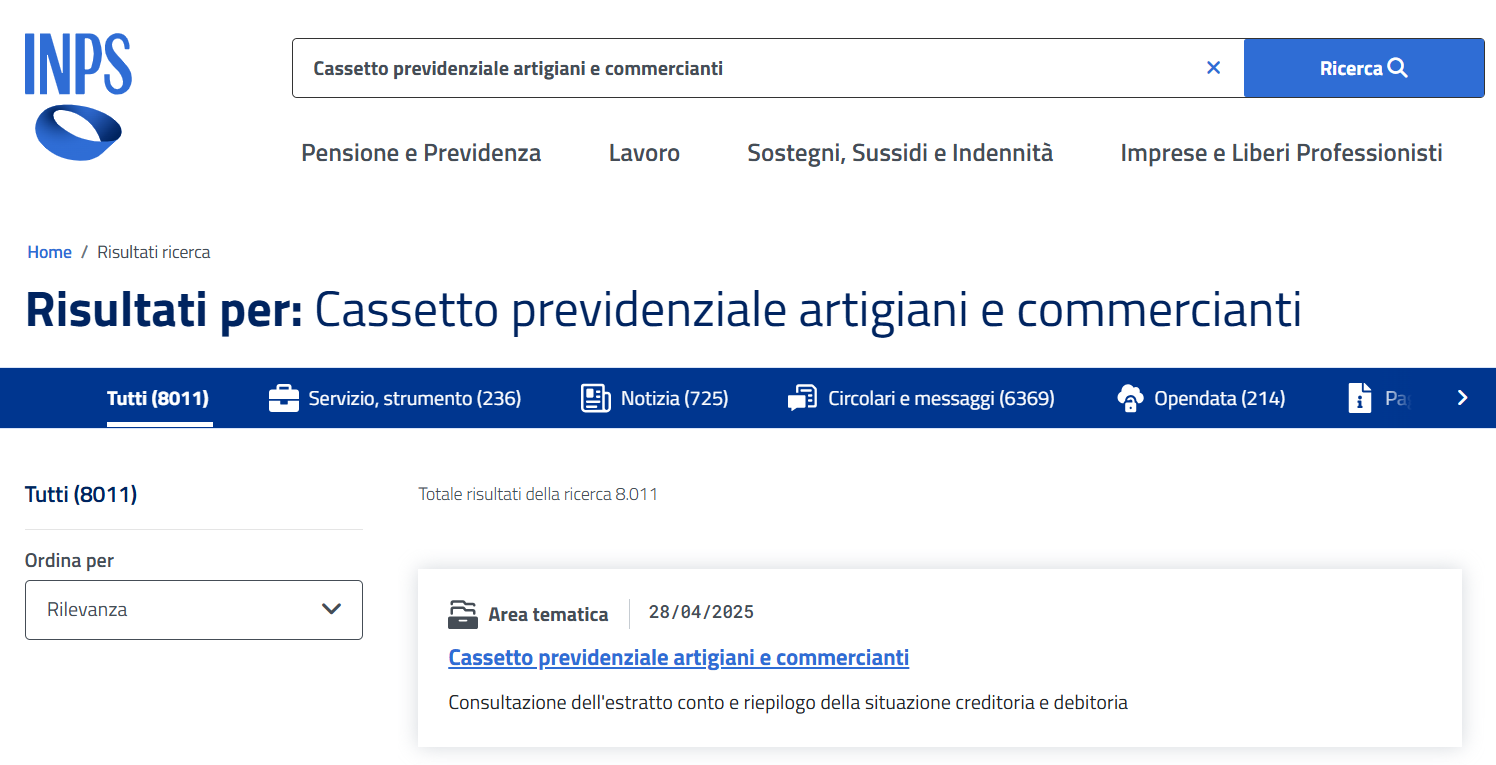
Once entered, it will be possible to consult the data relating to the contribution position of the activity, including personal data, Matricola INPS, CIN code, F24 forms, contribution account statement, etc.
After accessing the “Cassetto Previdenziale Artigiani e Commercianti”, you will have to select the item "Comunicazione bidirezionale" => "Comunicazioni inviate" => "Nuovo invio" in the menu on the left and confirm access to the following page on "Clicca per accedere"
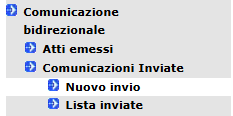

Once you have accessed the new viewing window, you will have to choose the reference contribution position by following the steps illustrated here:
- Click on “Posizione contributiva”
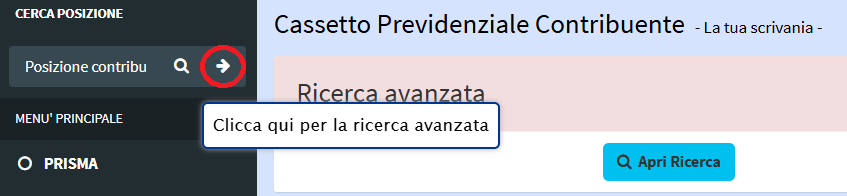
- Select your Italian codice fiscale and then your “Posizione contributiva”.
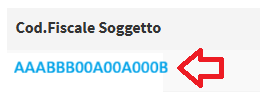
and then 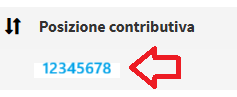
- Access the "Contatti" item and then "Crea Comunicazione" to enter the request compilation phase.
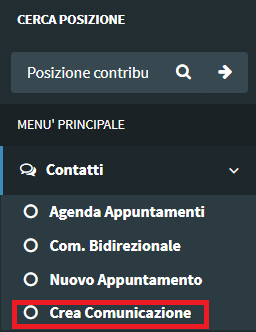
- When filling out the communication, you will have to confirm your mobile phone number and e-mail data, and then select the “Oggetto” of the communication.
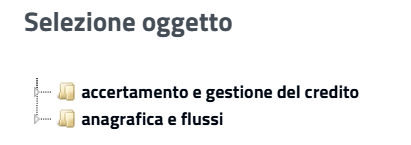
- Once the choice of the “Oggetto” has been finalized, we will proceed to fill in the content of the message to be sent, eventually also attaching some image or document.
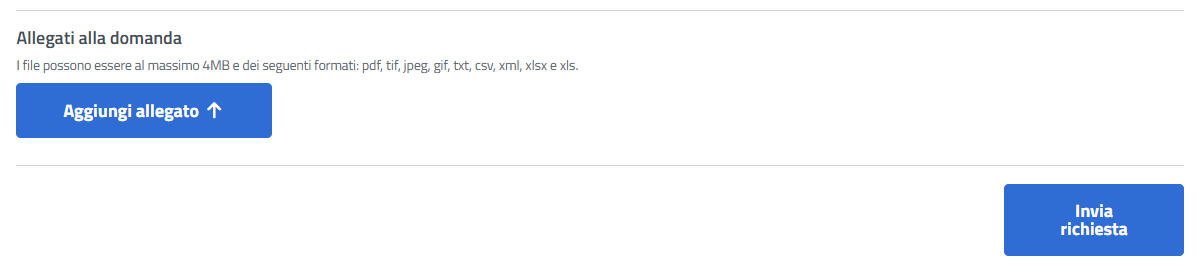
Once the communication has been sent, all that remains is to wait for the response from INPS, which may arrive within about a week.
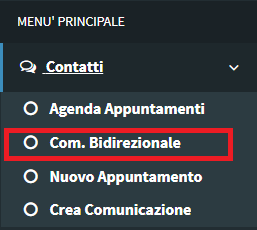
- To check if any updates have arrived on the communication sent, or if you want to reply to the response received by INPS, simply select the item "Com. Bidirezionale" from the main menu and then search for all the communications sent as "AZIENDA".
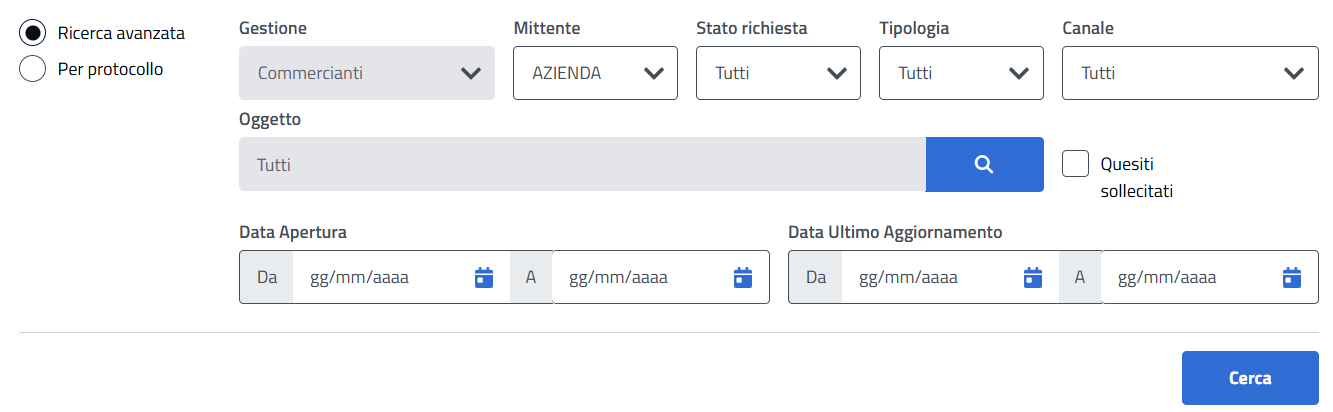
- Once the reference line of the transmitted communication has been selected, the ticket will open, and you will be able to interact to view the INPS response and reply if necessary.
