
Last updated: October 27, 2025
With Xolo Teams, you can decide if you’d rather pay your contractors for ongoing projects, or after your project has ended:
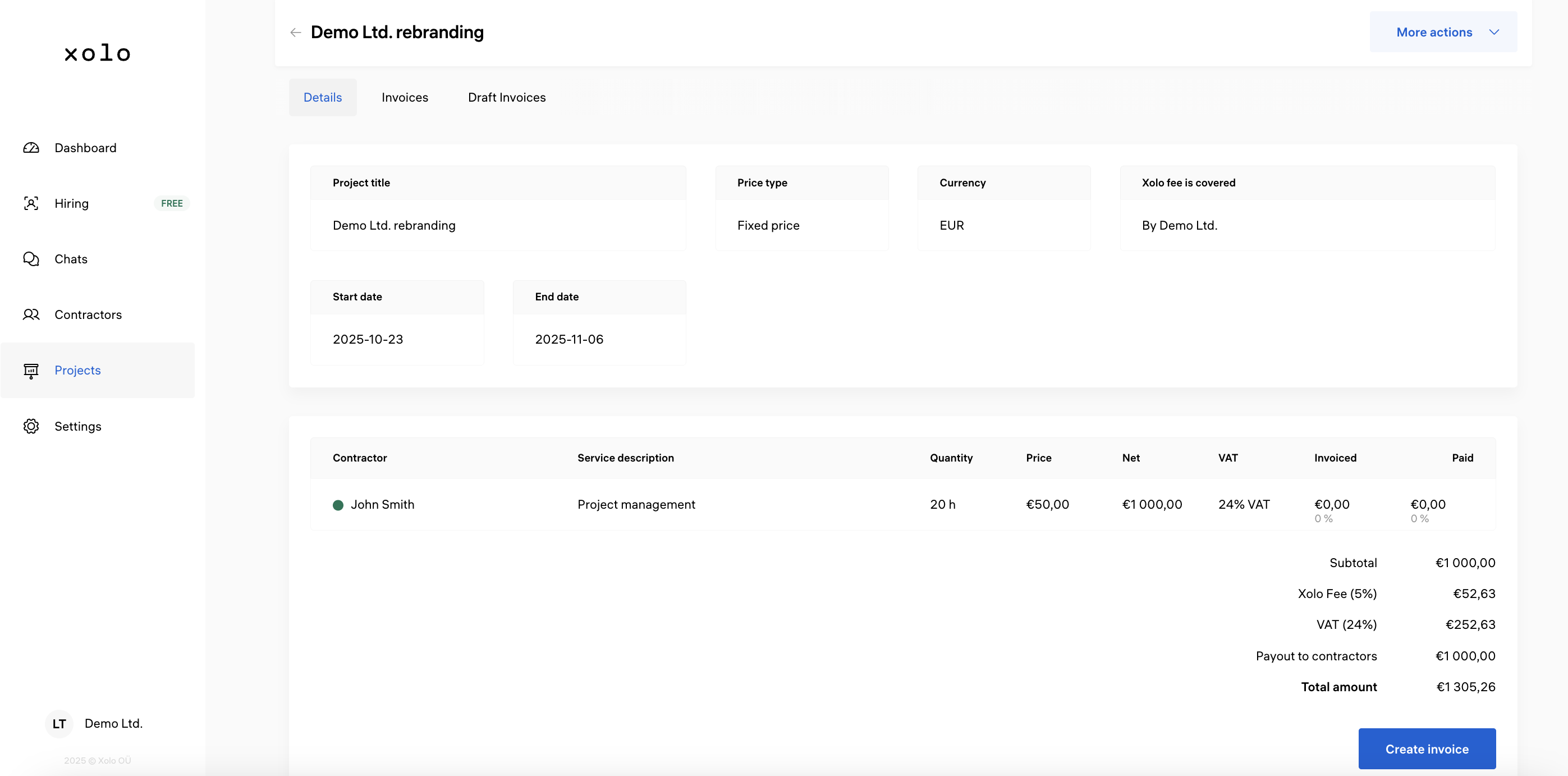
- Open your project
- Click Create Invoice
- Double-check the details (contractors, service description, quantity, rates)
- Eliminate contractors who don’t need to be paid in the specific payment round (optional)
- Generate your invoice
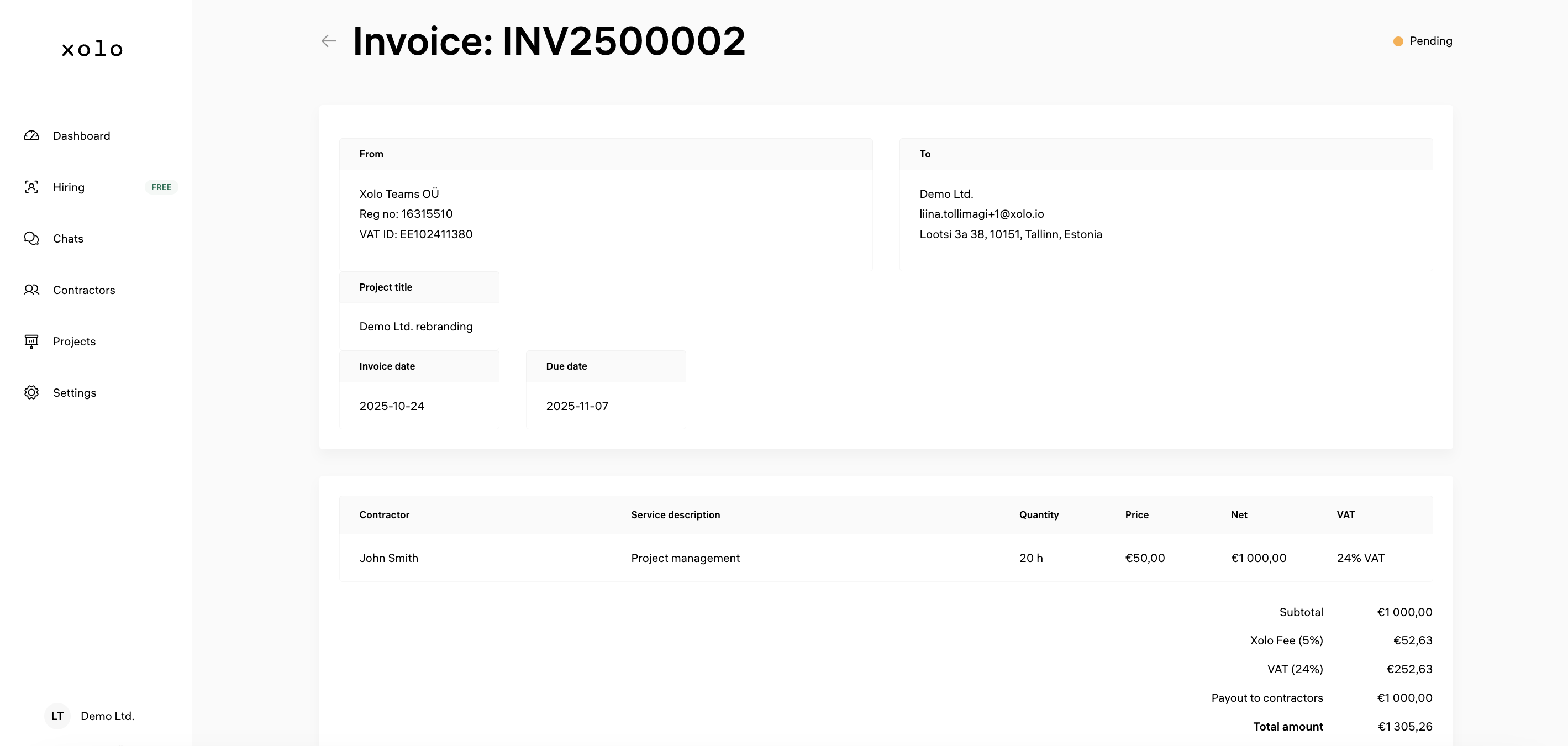
- PDF document will be generated for your company
Did this answer your question?